Include the
whole installation.
The flooring is only part of the job. Keep stairs, underlay, trims, and labour in the same estimate.
Floor plan measuring & takeoff
Upload a plan. Measure your rooms. Work out how much flooring you need. All in your browser, without the printed plans and manual sums.
3 projects free. No credit card required.
How Flooro works
A takeoff is the measurement of areas and materials needed for a job. Flooro lets you do it on screen, then use those quantities to prepare your quote.
Upload a PDF or image, calibrate a known dimension, then trace your rooms. Keep areas, openings, and multiple plan pages together.
Assign a flooring material to each room. Review the calculated quantities, waste allowance, and packs or rolls needed for the job.
Use your measured quantities to build a quote. Add material prices, labour, and extras, then export it with your business details and GST.
Made for flooring
Choose your flooring to see how Flooro helps you work out what to order.
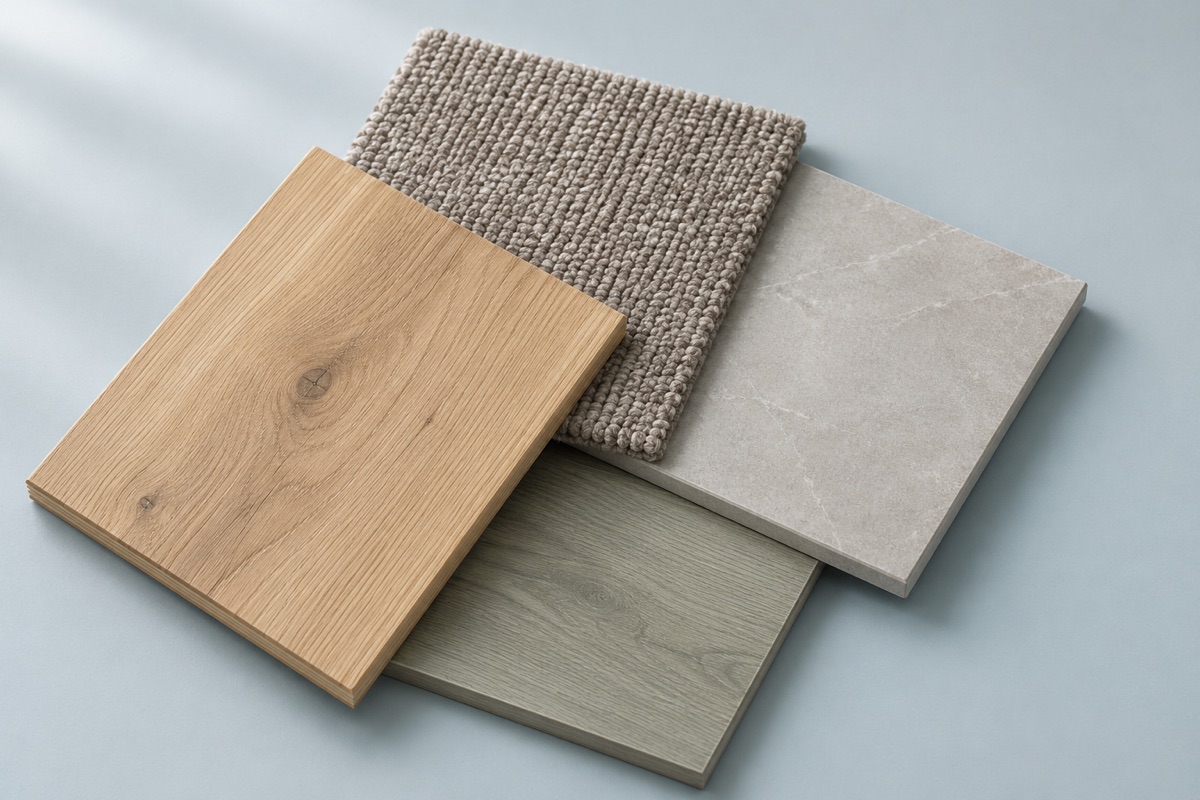
Carpet takeoffs
Carpet quantities depend on more than the room area. Bring roll width and lay direction into the takeoff before you place the order.
The flooring is only part of the job. Keep stairs, underlay, trims, and labour in the same estimate.
Use your takeoff quantities, material rates, and labour costs to prepare a quote with your branding and GST.
Explore flooring estimatingStart with a real project
Create your account without a credit card. Choose more project capacity and tools as your workload grows.
Free
Get your first project underway.
Pro
Room for your growing workload.
Enterprise
For teams managing more jobs.
| Included tools | Free | Pro | Enterprise |
|---|---|---|---|
| Basic exports | Included | Included | Included |
| PDF reports | Not included | Included | Included |
| Tile patterns | Not included | Included | Included |
| 3D project view | Not included | Included | Included |
| Seam optimisation | Not included | Not included | Included |
| Cross-room optimisation | Not included | Not included | Included |
| White-label reports | Not included | Not included | Included |
Prices in AUD. Paid plans are billed monthly. Start with a free account before choosing an upgrade.
Tools & practical guides
Work out square metres, allowances, and whole packs before you order.
Measuring guideSet the scale, trace rooms, and check your takeoff with a worked example.
Flooring know-howUnderstand waste allowances, pack rounding, and carpet lineal metres.
Before you get started
Flooro is an online floor plan measuring and takeoff tool for flooring contractors, retailers, and estimators. Upload a PDF or image, set the scale, and trace rooms to calculate areas and flooring quantities. You can then use those quantities to prepare a quote.
Yes. Create a free account, start a project, and upload a PDF or image. Set the scale using a known dimension before tracing. You can also draw rooms from scratch.
Work with roll goods such as carpet and sheet vinyl, tiles and planks, and linear materials. Review material dimensions, lay direction, waste allowances, and pack sizes for each job.
Your estimate depends on the source plan, its scale, and the details you enter. Flooro helps calculate and organise the job; always check important dimensions and the final material order against site conditions.
Yes. Keep materials and rates in your library and price book, adjust quote pricing, and add your business details, logo, and terms in Settings.
Flooro runs in your browser and adapts to smaller screens. Use a laptop or desktop for detailed plan work, and your phone for reviewing projects and making updates on site.
Try Flooro with your own plan
Create a free account, upload a PDF or image, and start measuring rooms. No credit card required.
Free account · Start with one project.